How to Build a LinkedIn Lead Extractor with AI (No Coding Required!)
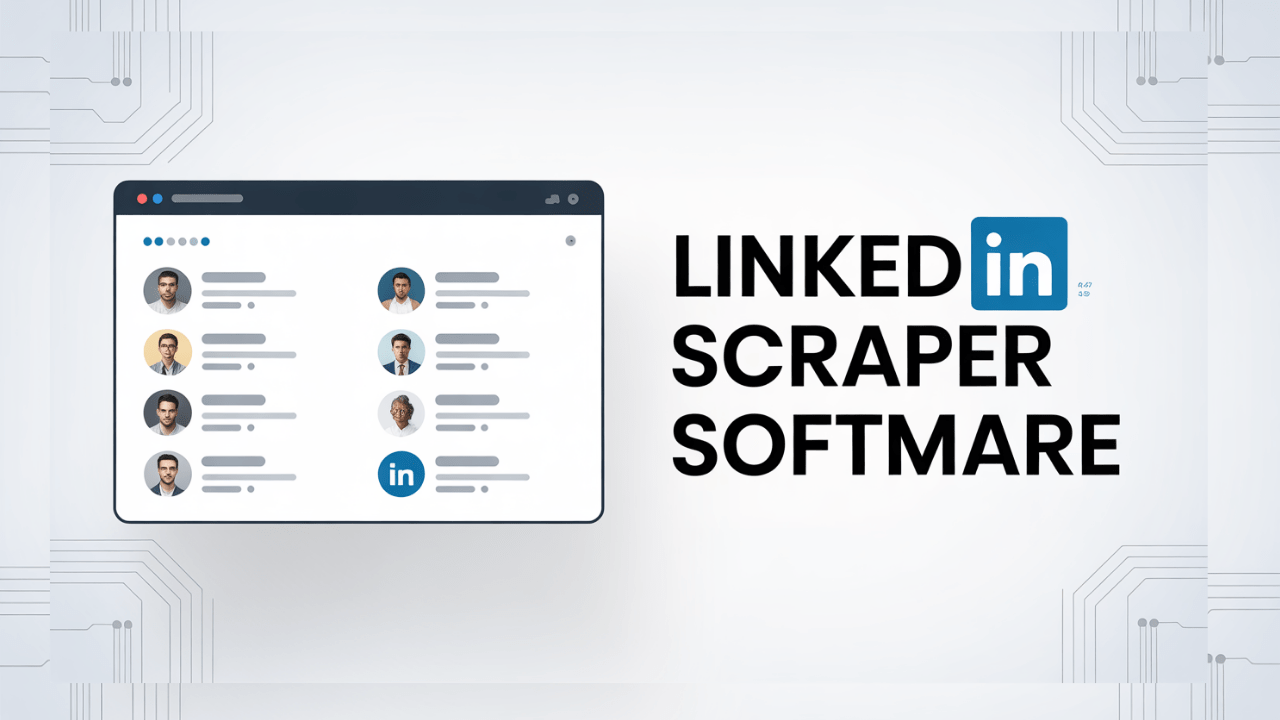
Learn how to create LinkedIn Extractor Software with AI This software can be used to get unlimited email leads from LinkedIn easily. All you need to do is enter keywords related to the type of business leads you want, along with the city or country you want to target.
You can now create a LinkedIn leads extractor software using simple copy and paste master prompts without any knowledge of coding or software development.
How to Build a LinkedIn Lead Extractor with AI
Step One: Get the LinkedIn extractor software master prompt. You can access this master prompt by joining our AI software development community. Join the community here to get the master prompt.
Step Two: Once you have the LinkedIn extractor software master prompt, you can make basic changes such as the software name, colors, adding your contact details, and any other simple customizations you want.
Step Three: Paste the master prompt into any AI software development platform, such as Lovable.dev or Google AI Studio. We highly recommend Google AI Studio because it is free. Once you paste the master prompt and click “Build,” the software will be created for you automatically.