
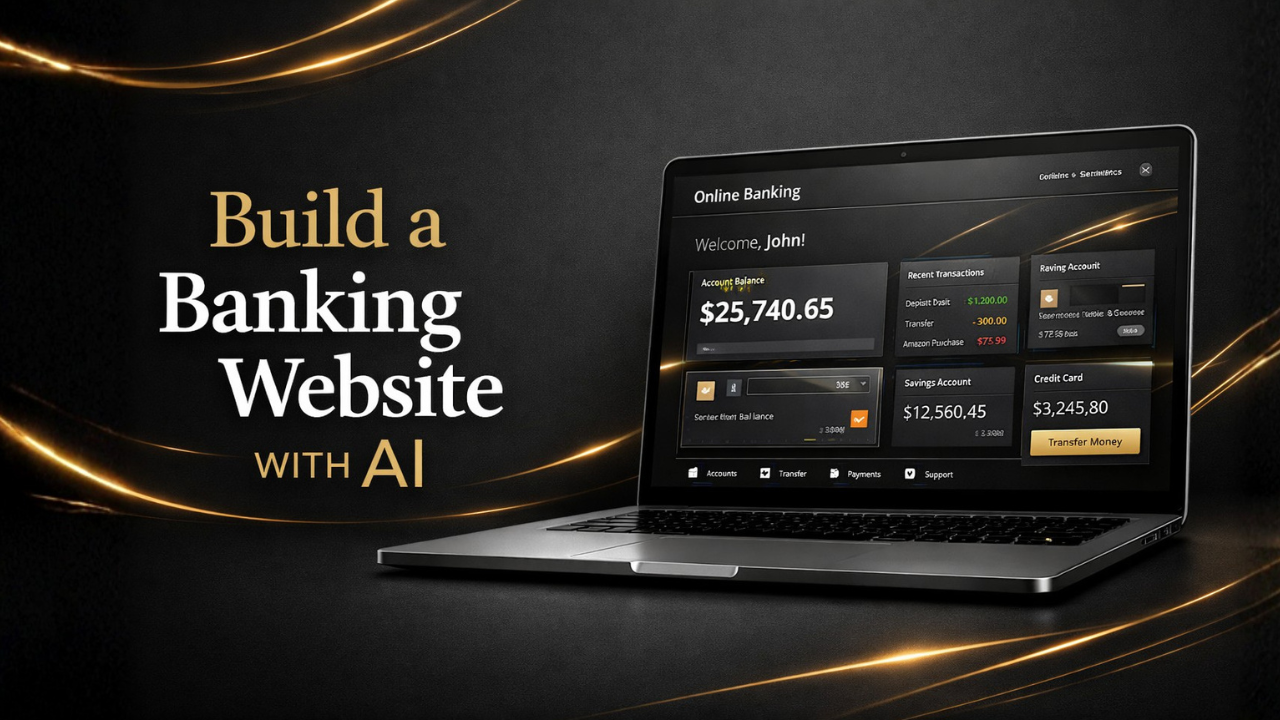
How to create online banking website with AI
Building an online banking website that will have access to an online banking page where users can see all their banking transactions, and the site will also have access to an admin page where it will display information about all the account holders of the website. It’s very easy now, using AI online banking master prompts.
Watch how to create an online banking website with AI.
Step One: Download the online banking master prompt. You get access to the AI master prompts by joining Africa VIBE CODING COMMUNITY, and get the prompts for free.
Step Two: edit the prompt with site name, address, phone numbers, colour, design structures, etc. The prompt will guide you on how to do all that easily.
Step Three: Paste the prompt in any AI website you are using. We recommend Google AI Studio and lovable.dev click on build. Once the website is built, you can add more functions and remove some functions.
Step Four: Download the website files from GitHub or directly to your pc and upload them to your web hosting account
Join our Africa Vibe Coding Community and get the online master prompt plus how to use it with many more prompts at www.turischool.com/ai